Apple / Compute
Mac Studio
An Apple silicon desktop candidate for a macOS studio, with the precise chip and memory configuration chosen around your applications.
Manufacturer source checked 2026-10-07 · buying fit is editorial inference, no hands-on benchmark
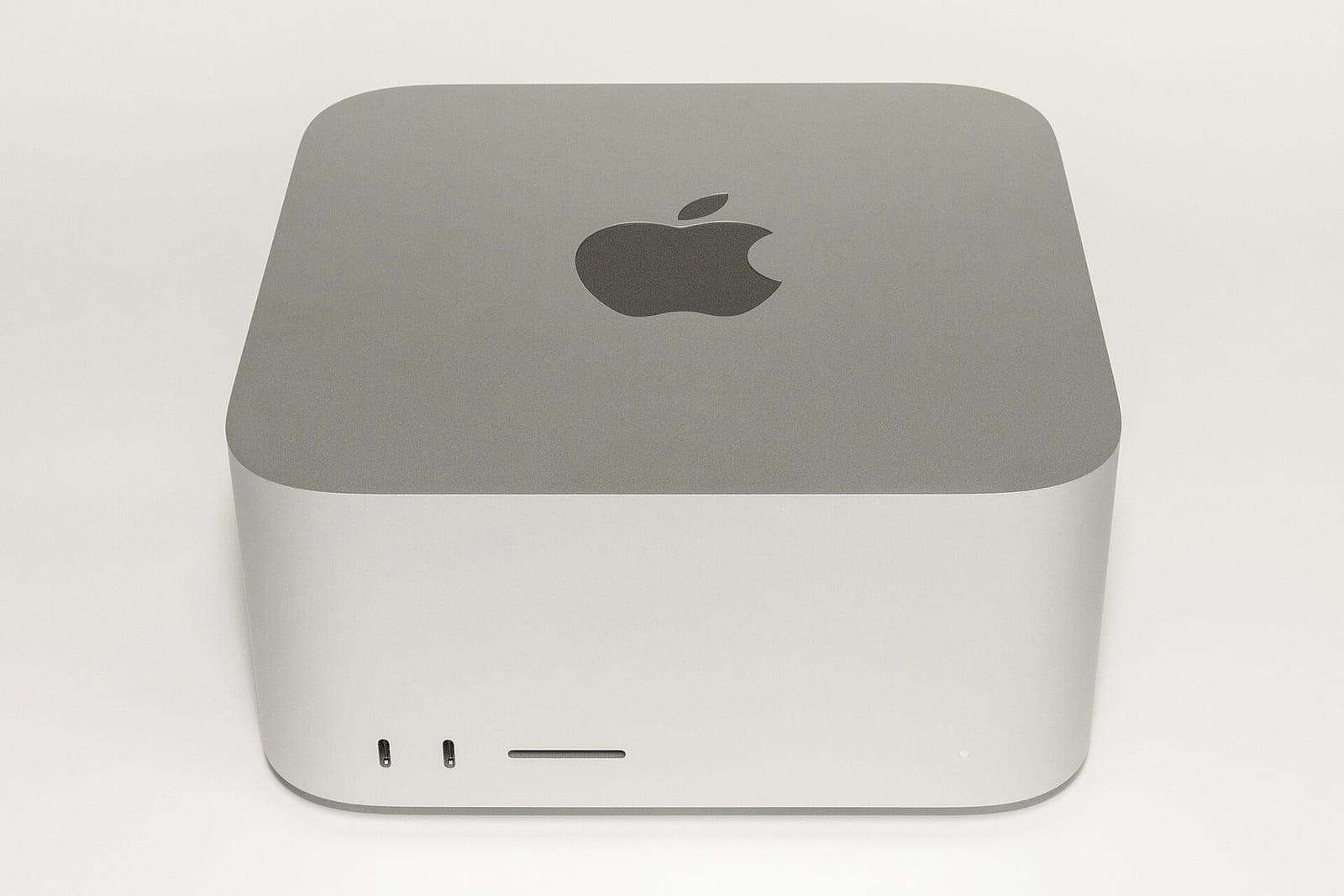
A 2022 Mac Studio. Chip, memory and storage cannot be identified from a photograph. Photo: “Mac Studio (2022) front” by Yasu, CC BY-SA 3.0, via Wikimedia Commons. Resized from 1920 px to 1600 px and re-encoded; no other edits.
Real alternatives
Other ways to solve the same problem
- MINISFORUMMS-S1 MAX · 64 GBWindows or Linux in a compact x86 box, with 64 GB memory that cannot be upgraded.
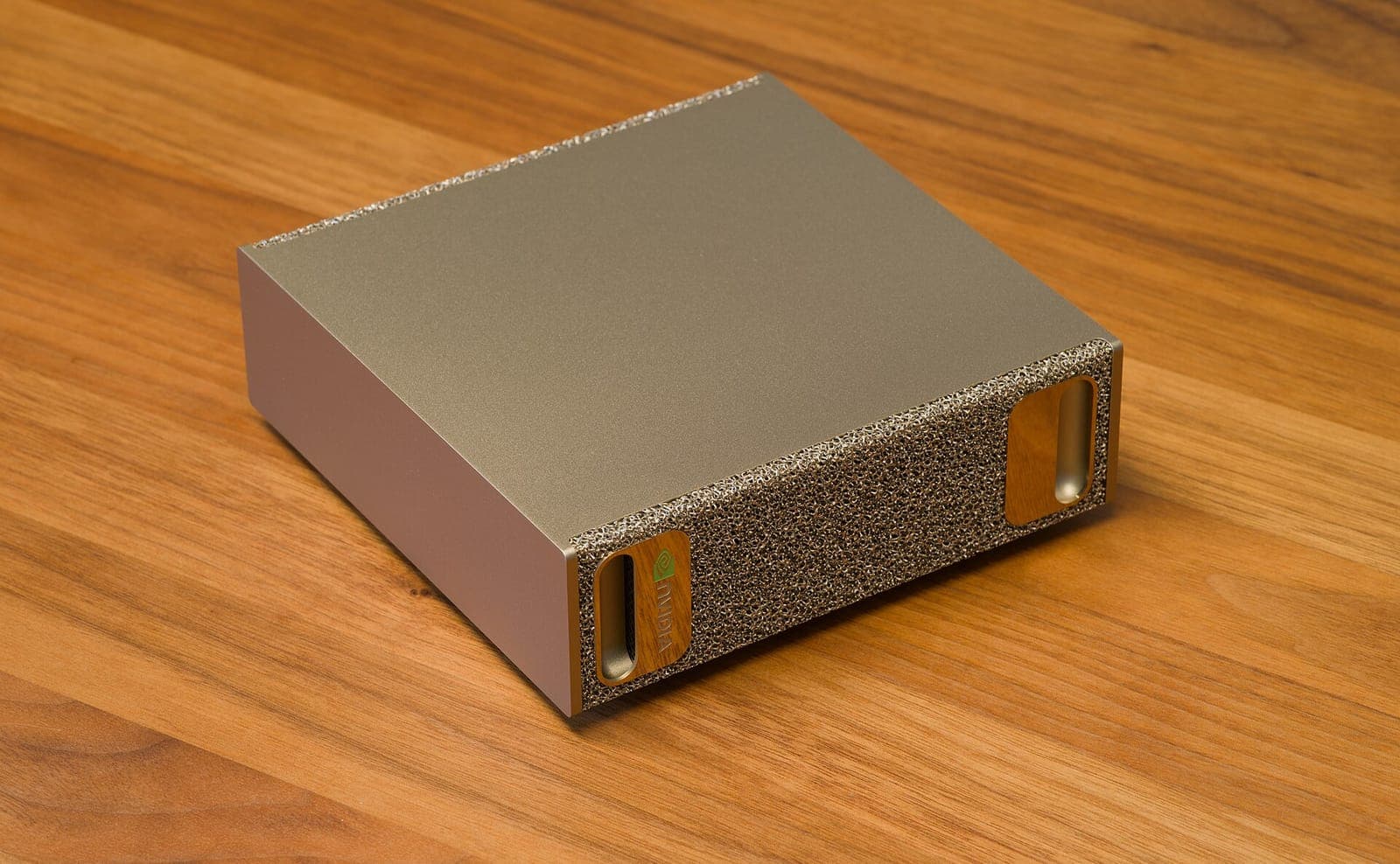 NVIDIADGX SparkReplace macOS with an NVIDIA Linux desktop when your models matter more than Mac-only applications.
- NVIDIAGeForce RTX 5090If you already run a Windows tower, add CUDA there instead of switching platforms.
Fit and failure
Where it earns its place, and where it does not.
Choose when
Your production workflow already runs on macOS and your local AI runtime supports Apple silicon.
Avoid when
A critical plug-in, application or training workflow requires Windows or CUDA.
Before checkout
Verify the whole system.
- Choose the current chip, memory and SSD configuration on Apple's regional store.
- Validate DAW plug-ins, video codecs and inference backends.
- Compare the complete desk cost with an upgrade to the system you already own.
Complete-system cost
Select memory and internal storage before purchase. Include display, peripherals, external project storage and backup.
Runtime boundary
macOS · Metal / Apple silicon runtime support
Evidence
Read the manufacturer source.
Manufacturer documentation establishes product identity and advertised capabilities. It does not establish independent performance, current stock or Starlight ownership.
Place it in the system